How it works
Three simple steps
No app for finders. No monthly fee. Just scan and reach you.
-
 Step 1
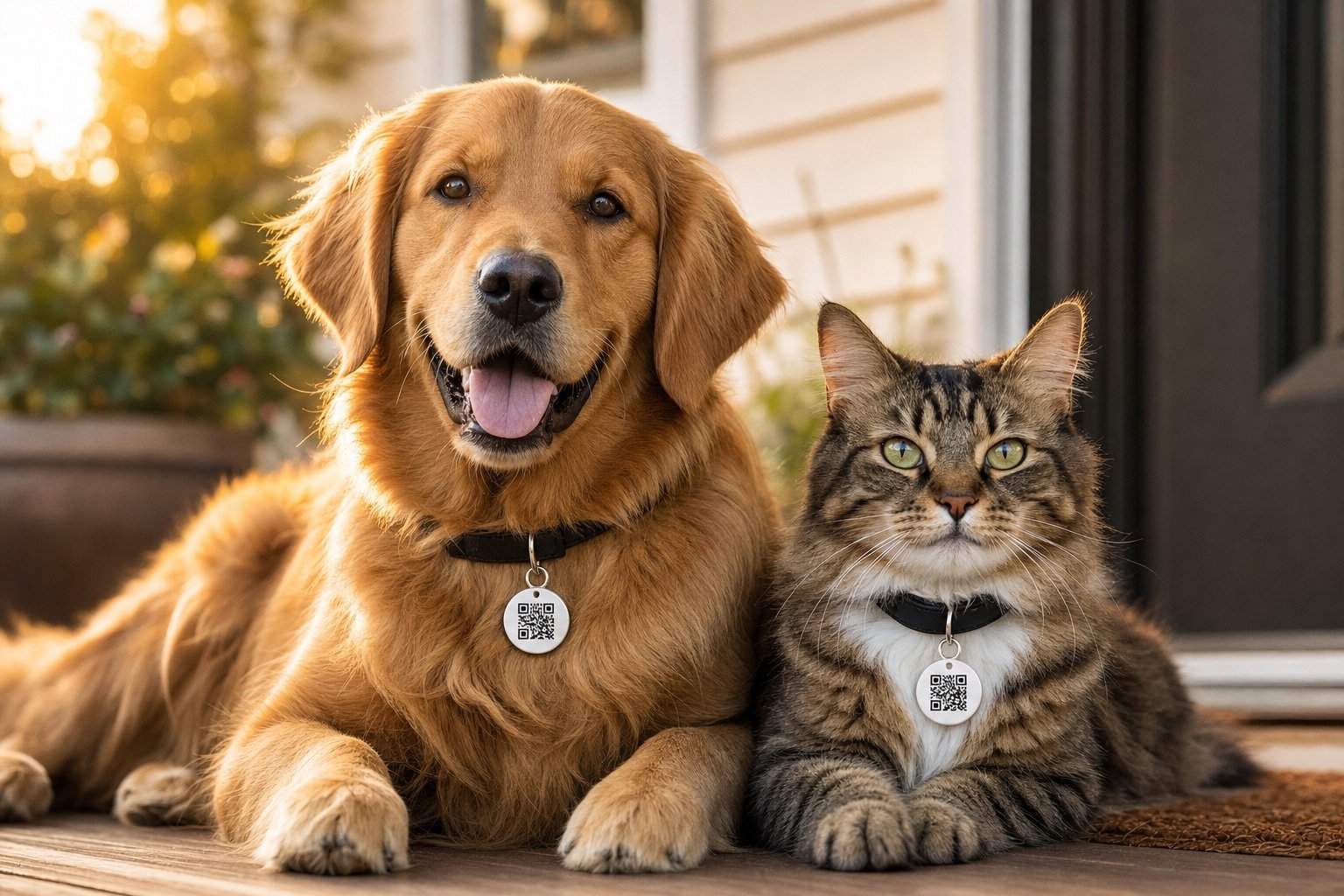
Put it on their collar
-
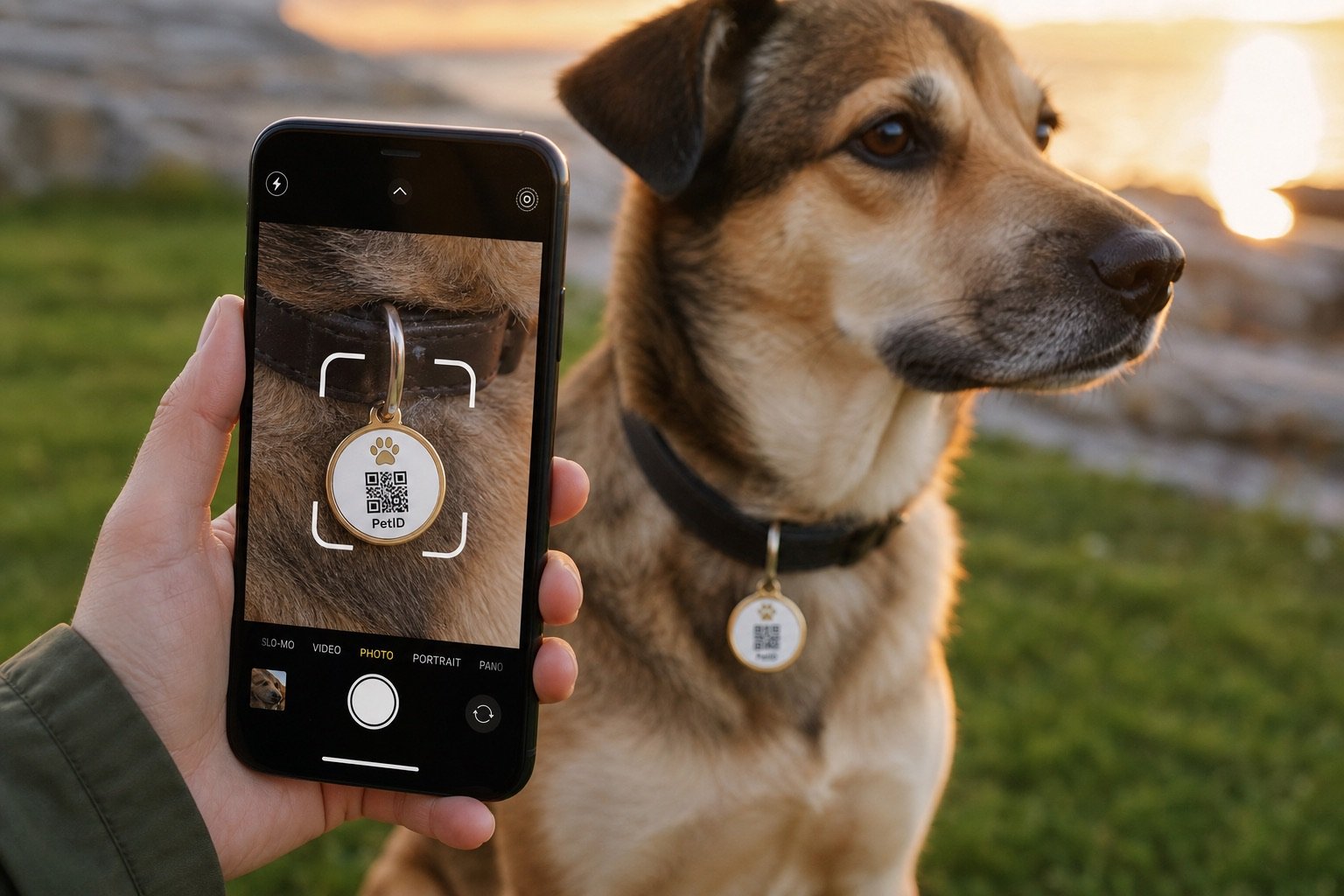 Step 2
Finder scans the QR
-
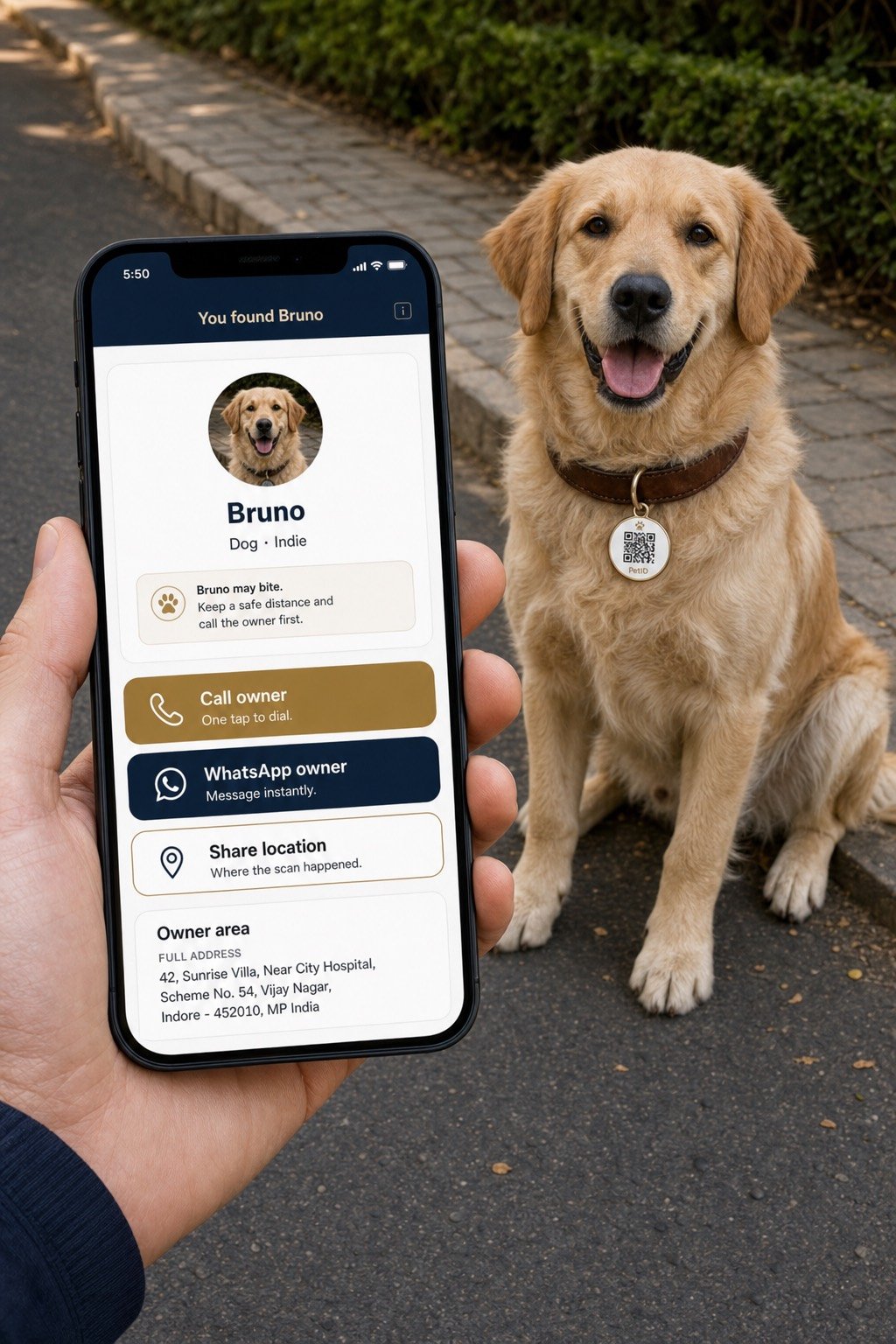 Step 3
You get Call or WhatsApp
- No app for finders
- Lifetime profile
- No monthly fee
- Battery-free tag
For owners
Scan. Fill. Go live.
Pick up a tag at a partner shop or request one online. Scan the QR on your phone, sign in, add pet details and a clear photo — PetID activates automatically. Update contacts anytime.
Create an owner account →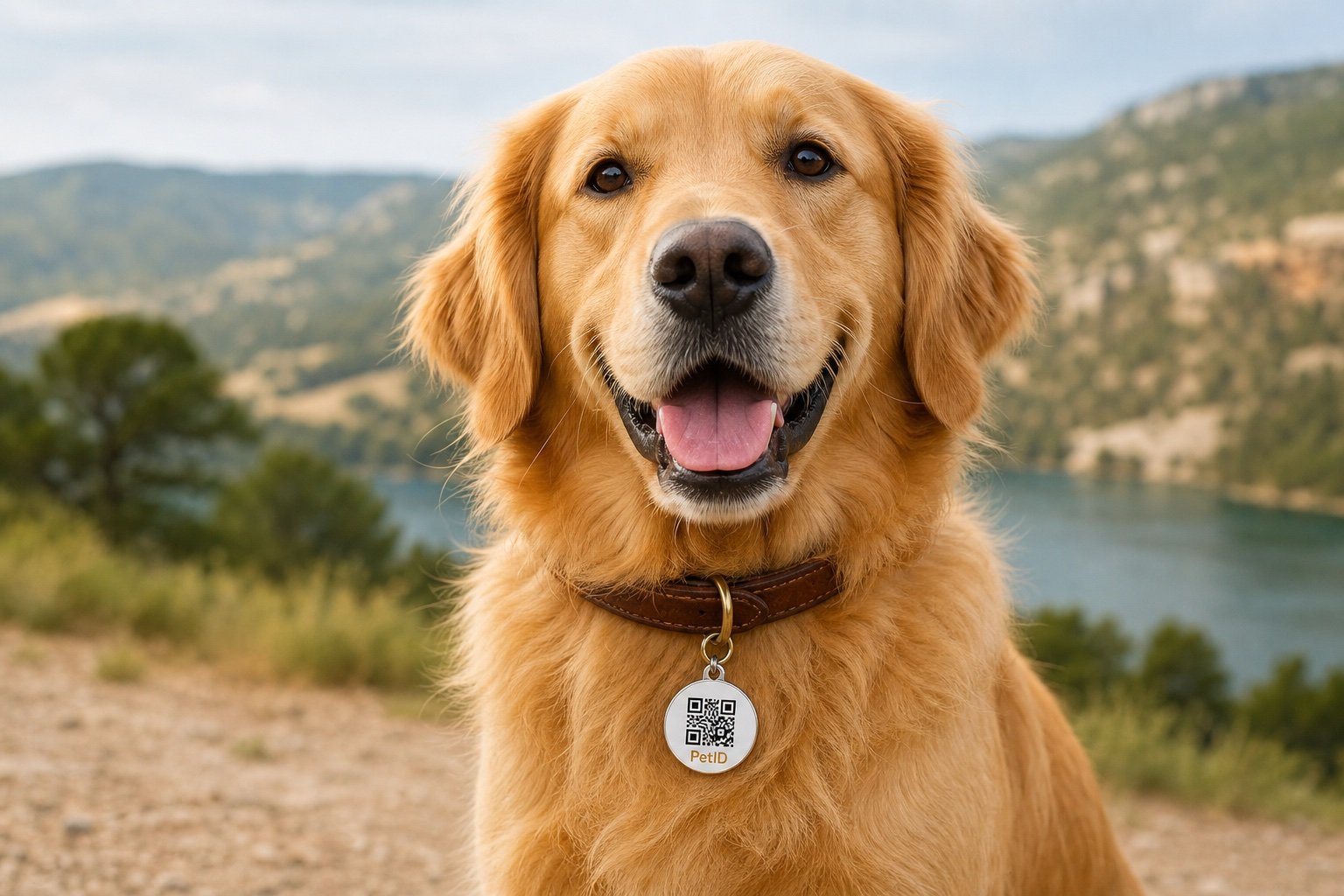
For finders
Scan. Connect. Bring them home.
No app download. The QR opens a clear profile with your pet’s photo and the contacts you approved — and optional location share when it matters most.
Open the scanner →Lost mode
One switch. Full recovery mode.
Mark your pet lost from the owner portal. The public scan page shows your message, reward if you set one, and makes it easy for finders to Call or WhatsApp you — while you get scan alerts.
- Instant scan notifications
- Public recovery message
- Optional reward & location share
Privacy, plainly
You decide what finders see
- You control what shows Photo, phone, WhatsApp, notes, and reward are yours to enable or hide.
- Address is optional Home address is never required on the public scan page.
- Not live GPS No battery, no tracking chip. Finders can share their location once — only if you allow it.
Ready when you are
Protect the ones who trust you
Request a tag, or pick one up at a partner shop near you.